Categories
AGM64 Photography Research Project Stage 2 Posts

AGM64 Hawthorn Experiment 11 February 2021

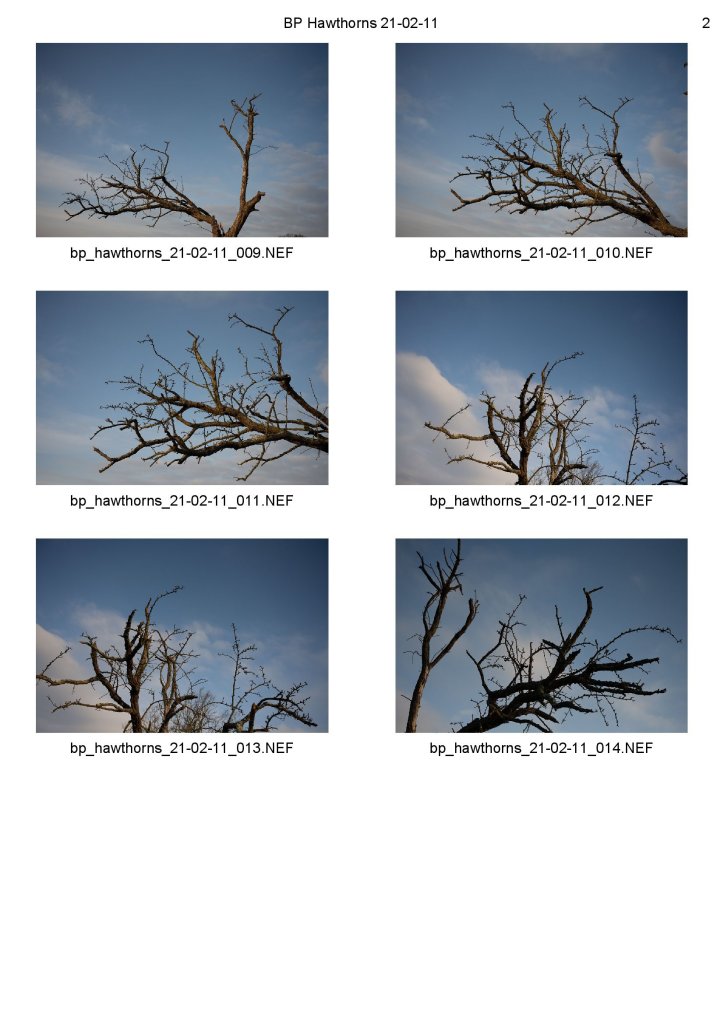
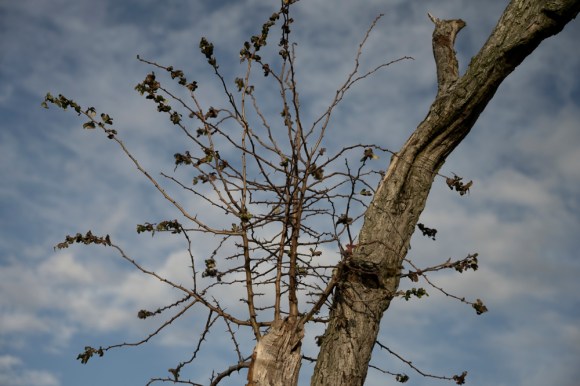
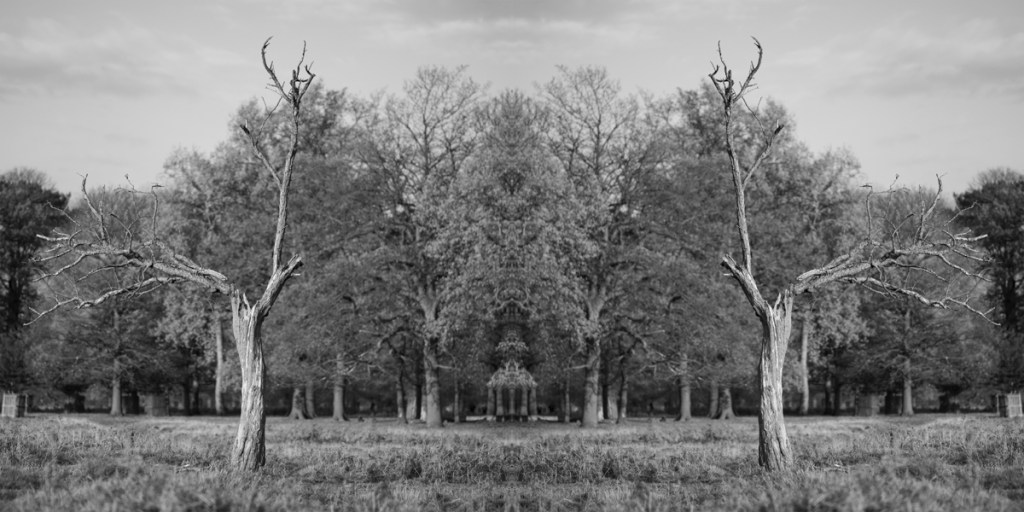
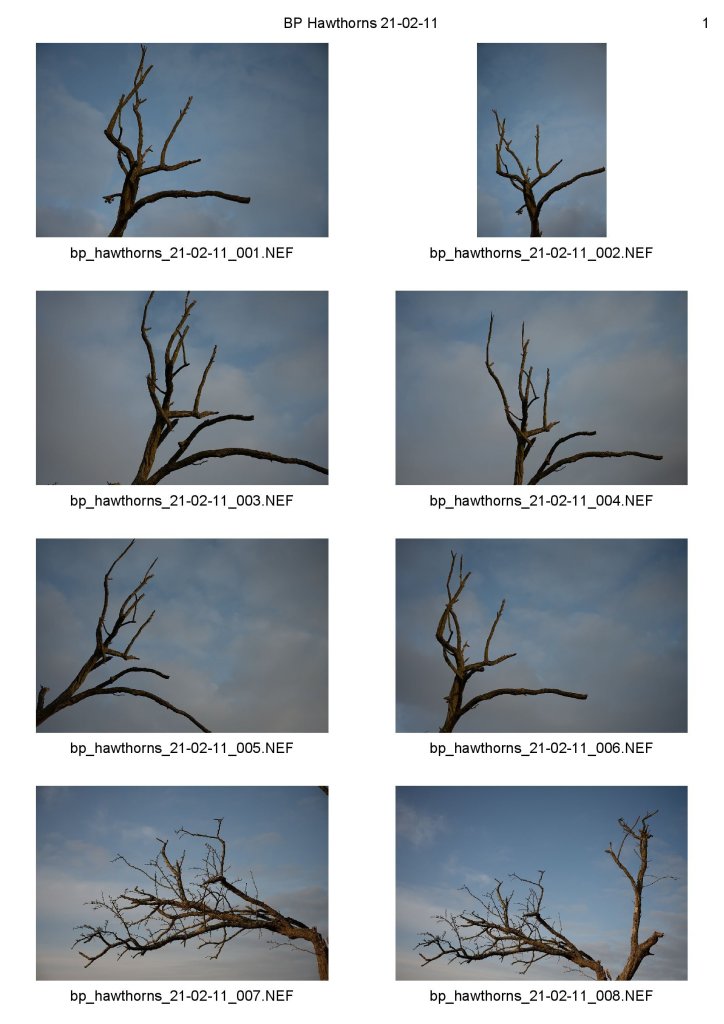
While waiting for the module to officially start, I took the following shots. The plan was to try out some closer photographs of two of the Hawthorns I had captured previously then experiment with the resulting images.

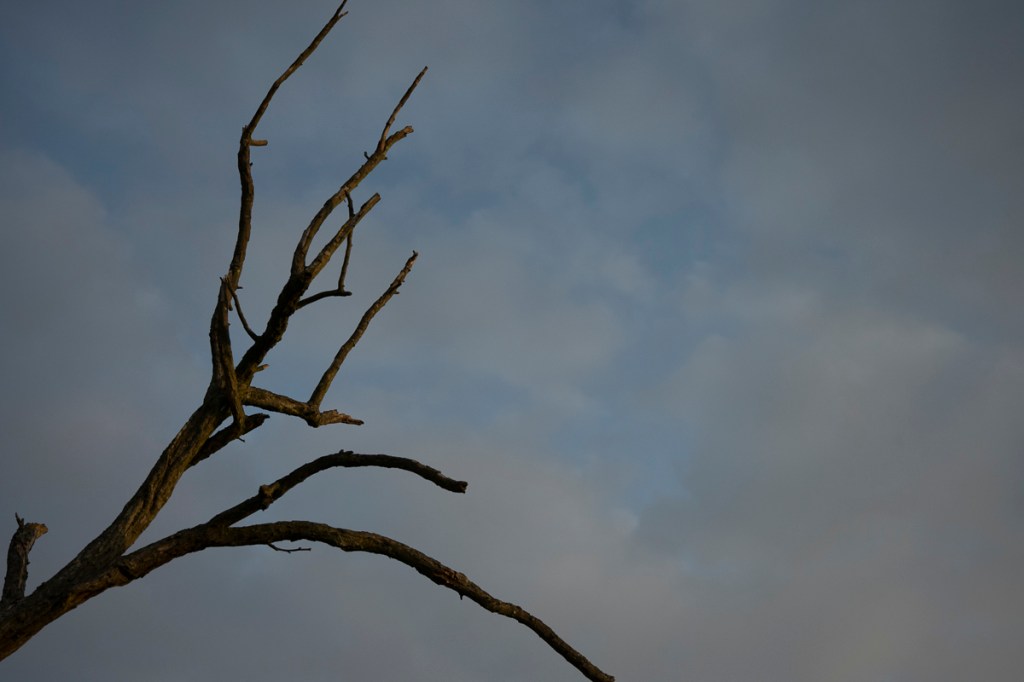
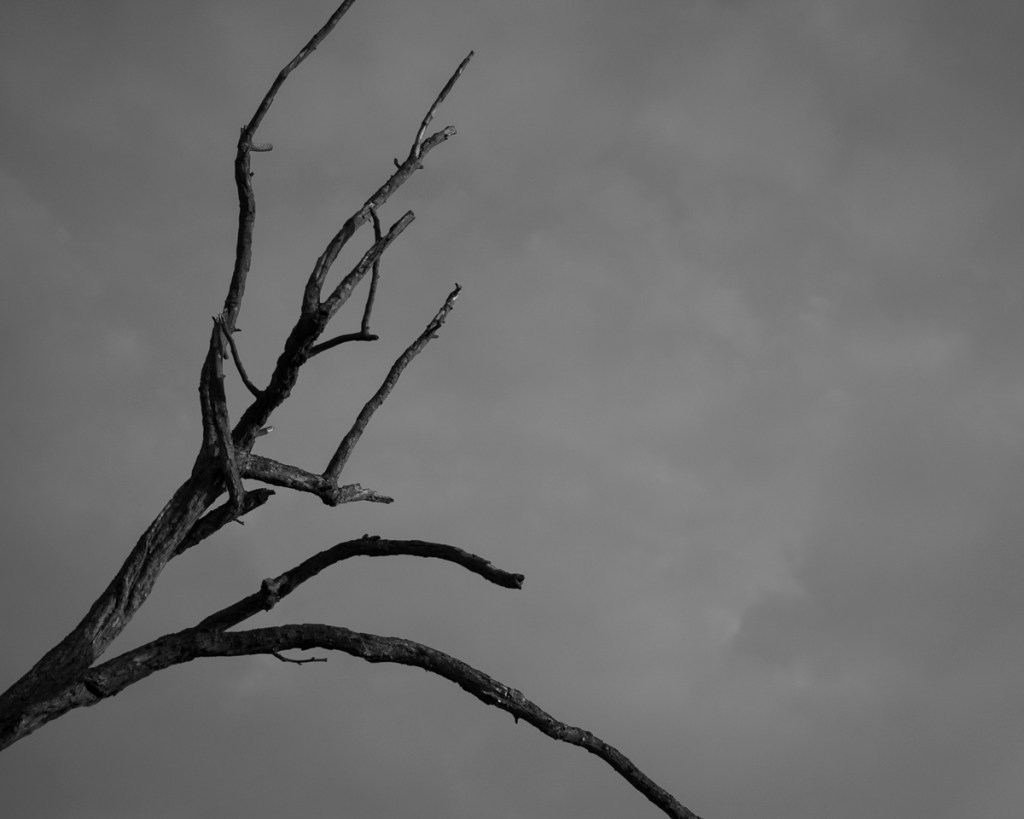
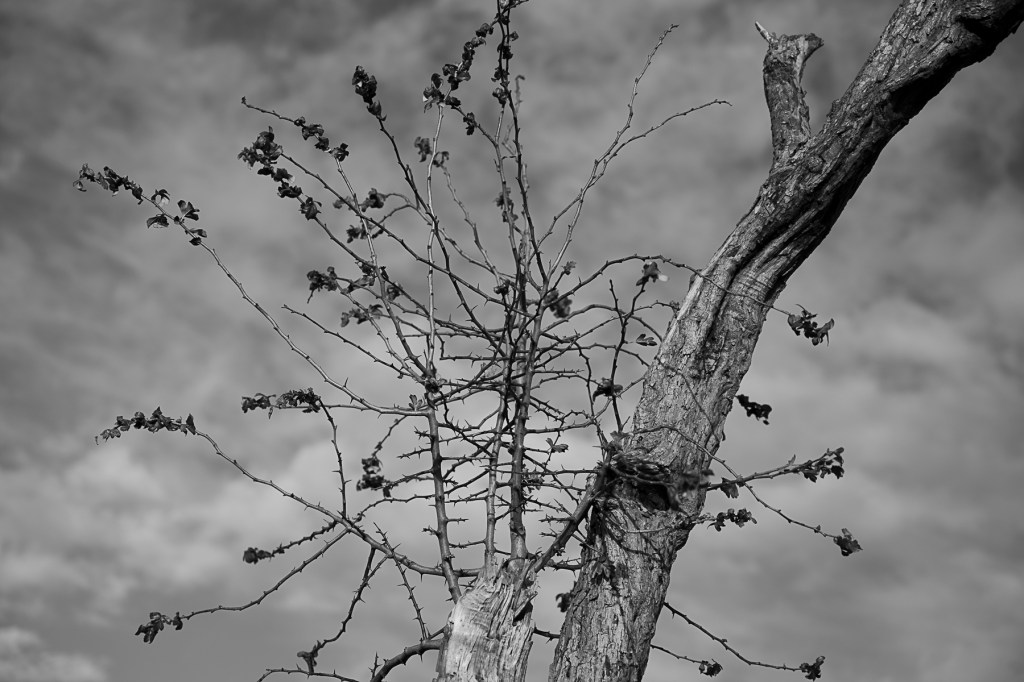
I initially selected the following image, which I then edited in Adobe Camera Raw.

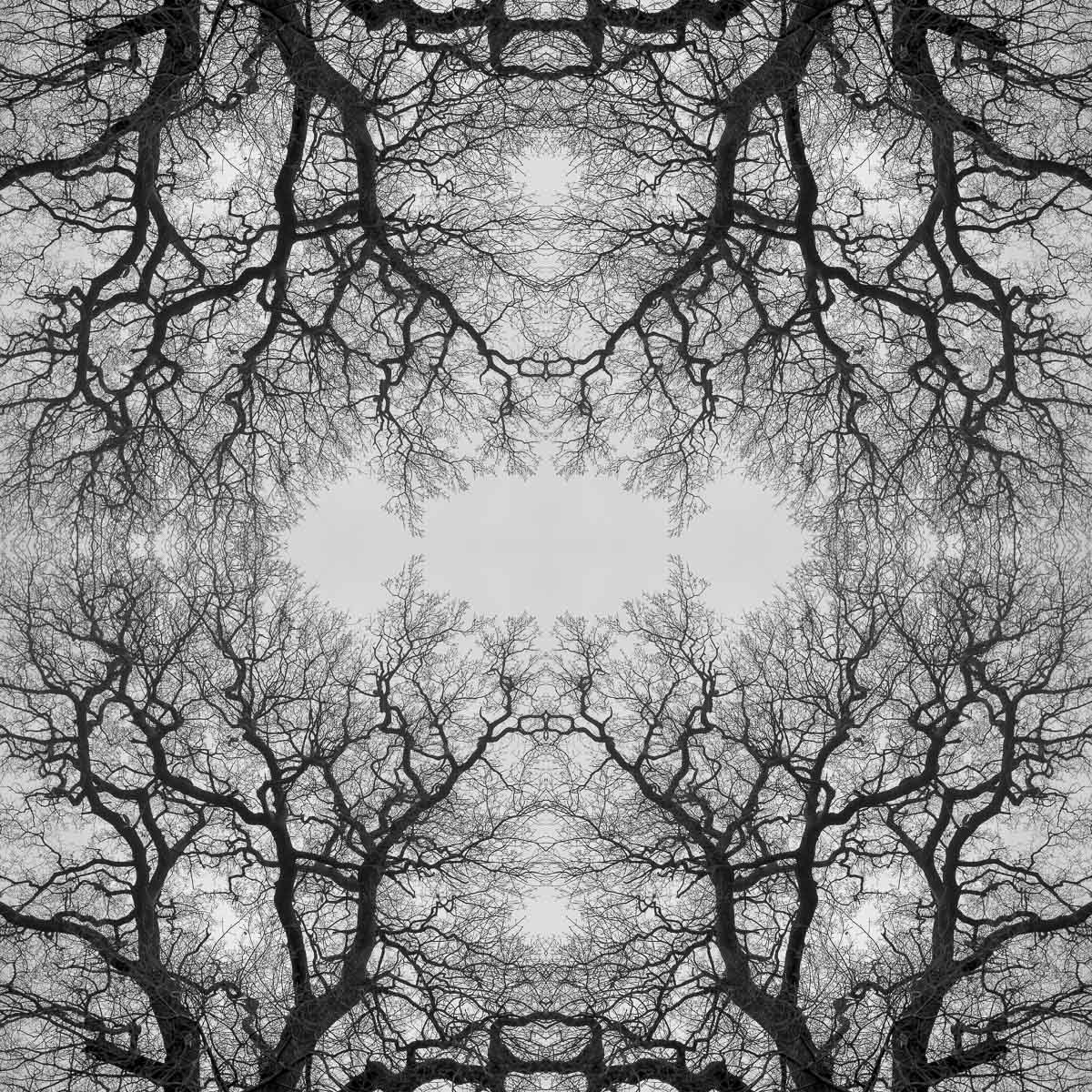
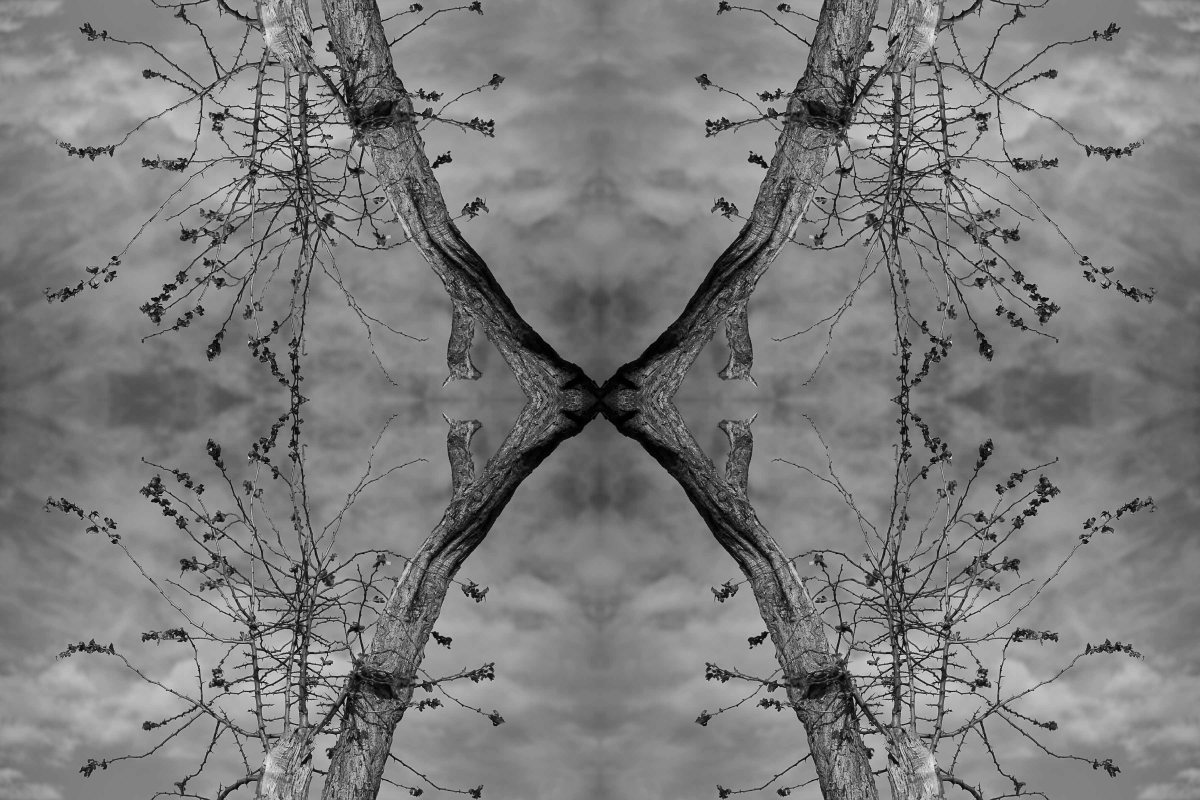
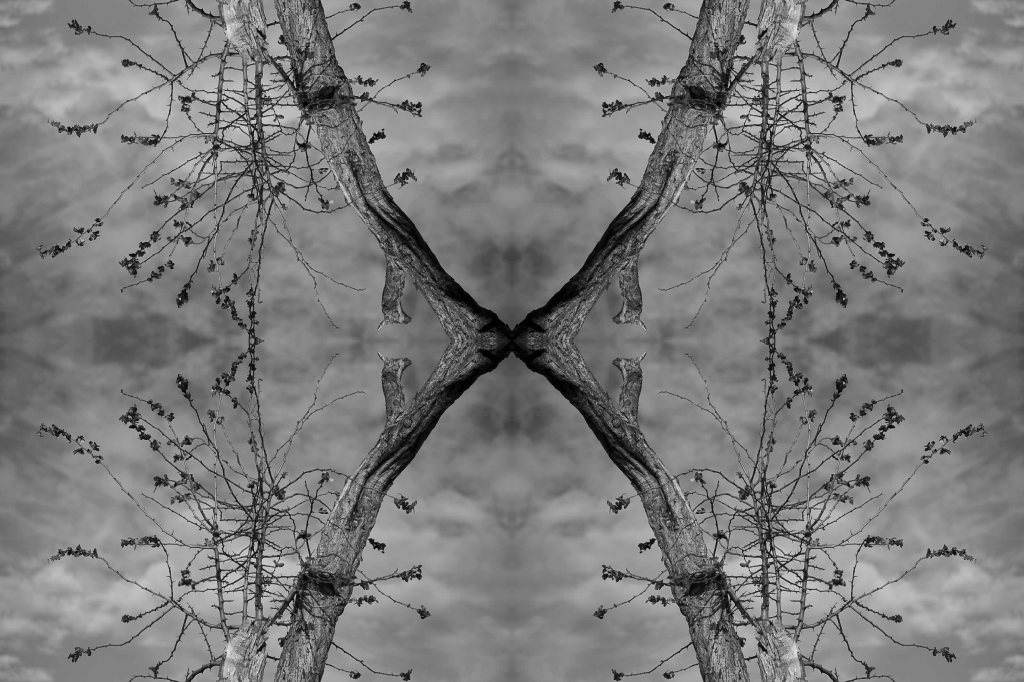
I then made a quartered mirror image using the edited version in Adobe Photoshop.

Interesting, but will need further experimentation.

Categories
AGM62 Photography Research Project Stage 1

AGM62 Moody Montage 13 January 2021

With the potential threat of not being able to take photos during the current national lockdown hanging over my head, I ventured to Bushy Park for some fresh air.

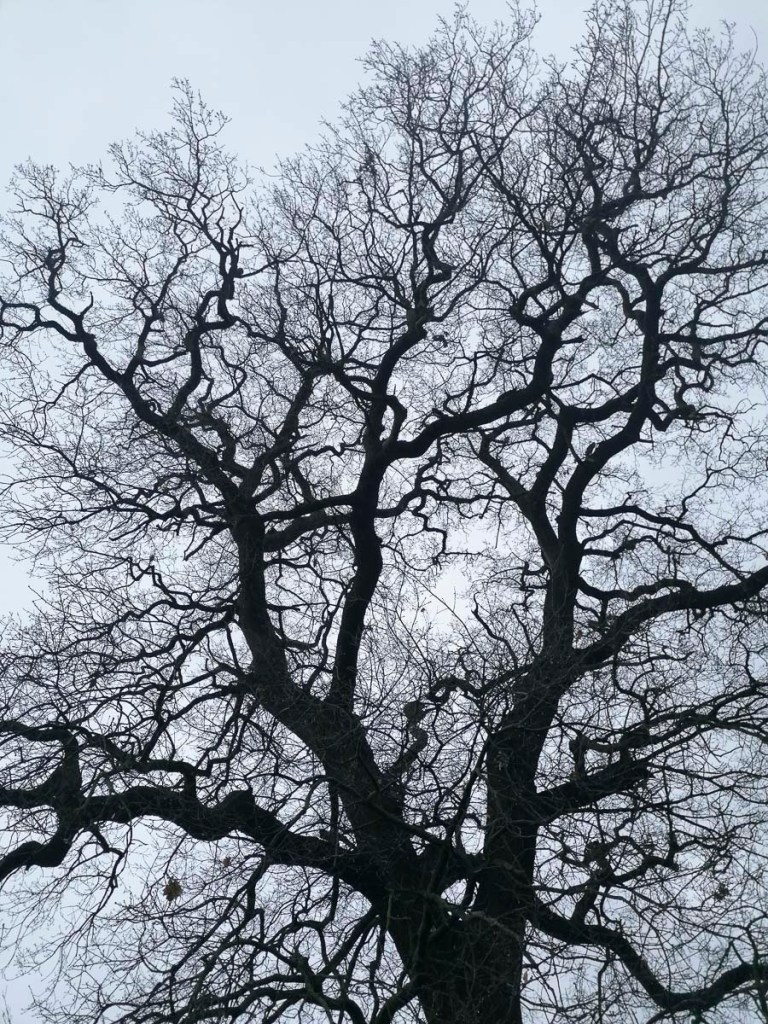
While walking in the park, I took the following shot of an oak tree on my smartphone.

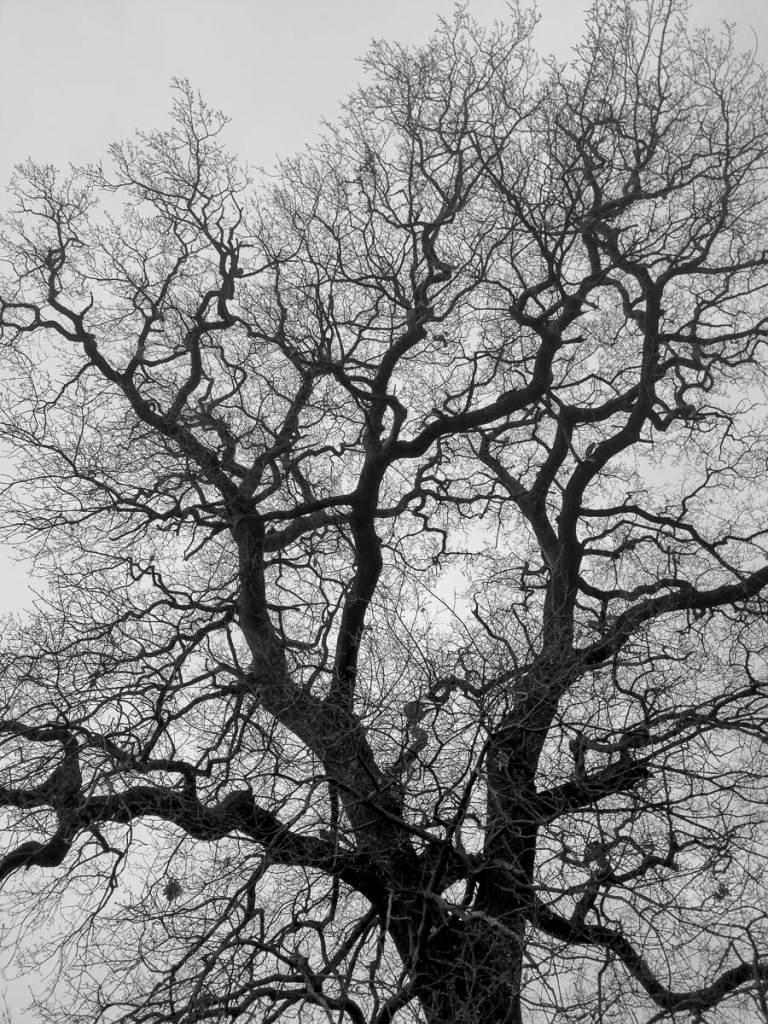
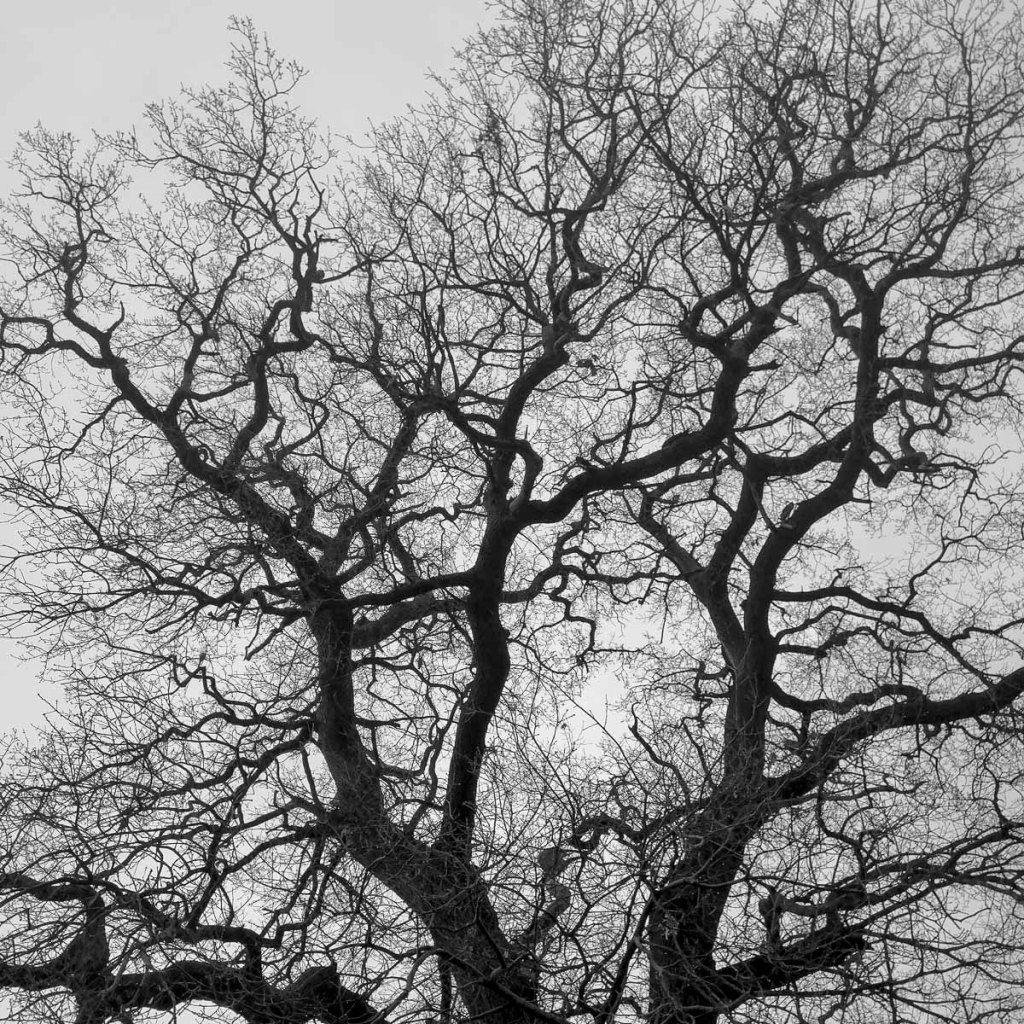
Once back at home, I made a Black & White conversion then created a 1:1 crop.

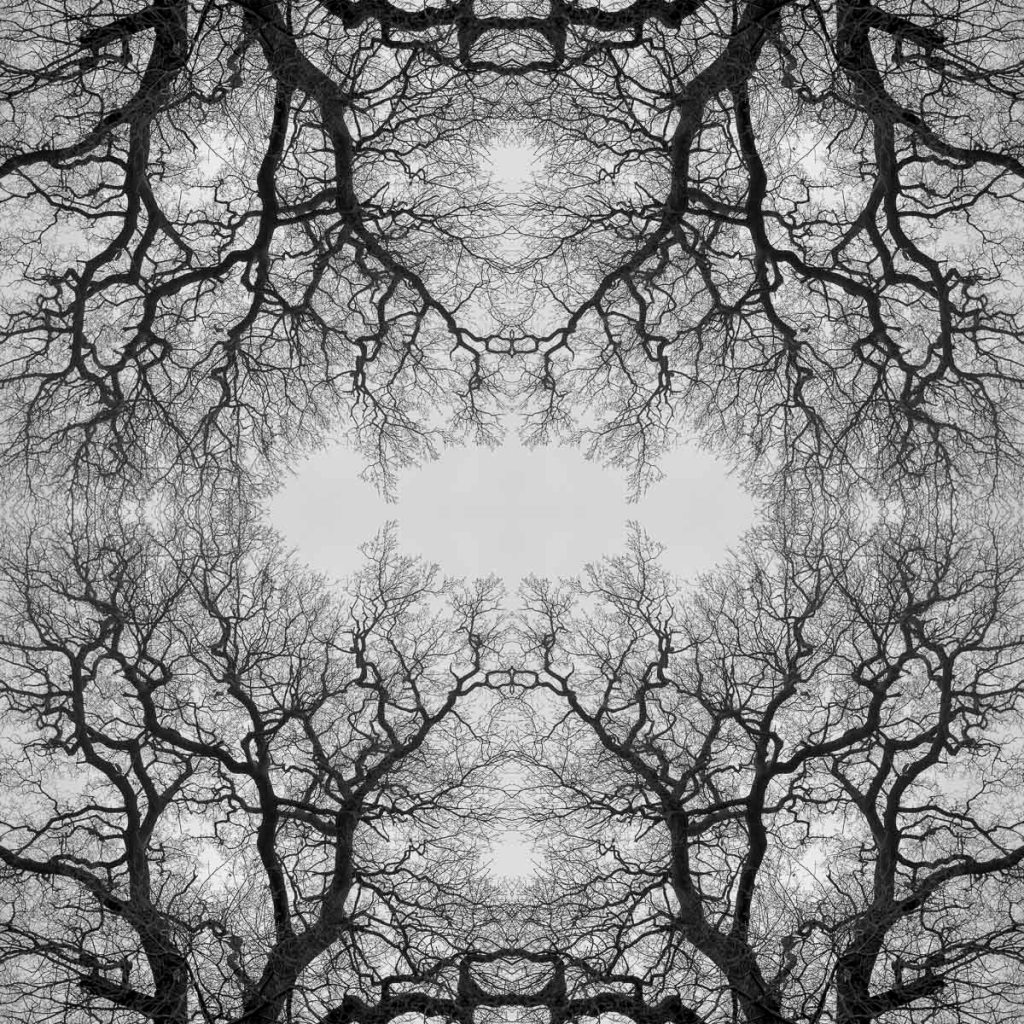
The final step was to create a quarters montage using Adobe Photoshop.

This was initially created at 8″ x 8″ 300 dpi. What this does show me is that work using my smartphone is possible. I just need to be creative, both visually and technically.

Categories
AGM62 Photography Research Project Stage 1 AGM62 Photography Research Project Stage 1 Posts

AGM62 Tessellation Test 21 December 2020

Before embarking on the Winter break, I tried something different with an image taken on 15 November. I wanted to experiment with a technique I used with the ‘twosome’ images and have tried with other previous projects.

Intially, I made a Black & White conversion.

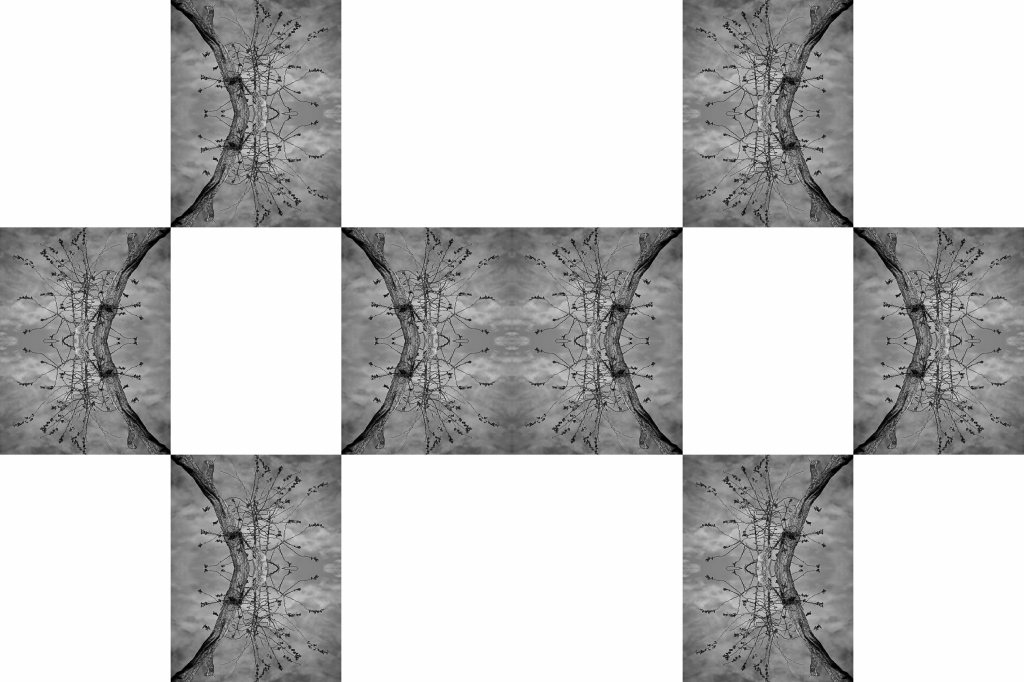
I then created the following image using Adobe Photoshop.

Finally, I produced the following configuration, again in Adobe Photoshop.

Not sure if this works exactly, but is something I could revisit in Stage 2.

Categories
AGM62 Photography Research Project Stage 1 Posts

AGM62 First Experiment 9 December 2020

The challenge I faced with photography was that the instantaneous static viewpoint, provided by the camera’s lens and shutter, didn’t represent the continuous flow of the act of looking. It seemed as if the still photograph had been held back to the level of the dictionary; the single word. It was the visual equivalent of overlooking the potential to link words to convey ideas and meaning. I couldn’t accept the notion of an isolated, decisive moment being capable of encapsulating our experience of life.

(Myles, N. 2020)

With this quote reverberating round my head, it was time to relook at what I was attempting to achieve. It seemed I had spent a lot of time and energy researching trees and how to photograph them in the best way possible. However, this project isn’t about getting the perfect tree image. It’s about practice-based research, which requires EXPERIMENTATION!

When I looked at the images I’d created so far, I was very happy with the progress I had made technically. I was now taking a different approach to tree photography compared to the one I used in the AGM60 Research & Experimentation module. What was missing at this stage in the images was the element that made them distinctly ‘Jennie Meadows’. I also felt that I wasn’t being ‘creative’.

Editing and experimenting with images digitally is integral to my work. Why not now?

The fact that I hadn’t started this process for the current project was strongly sparked by the work and words of Noel Myles. Why should my images be restricted to one view point?

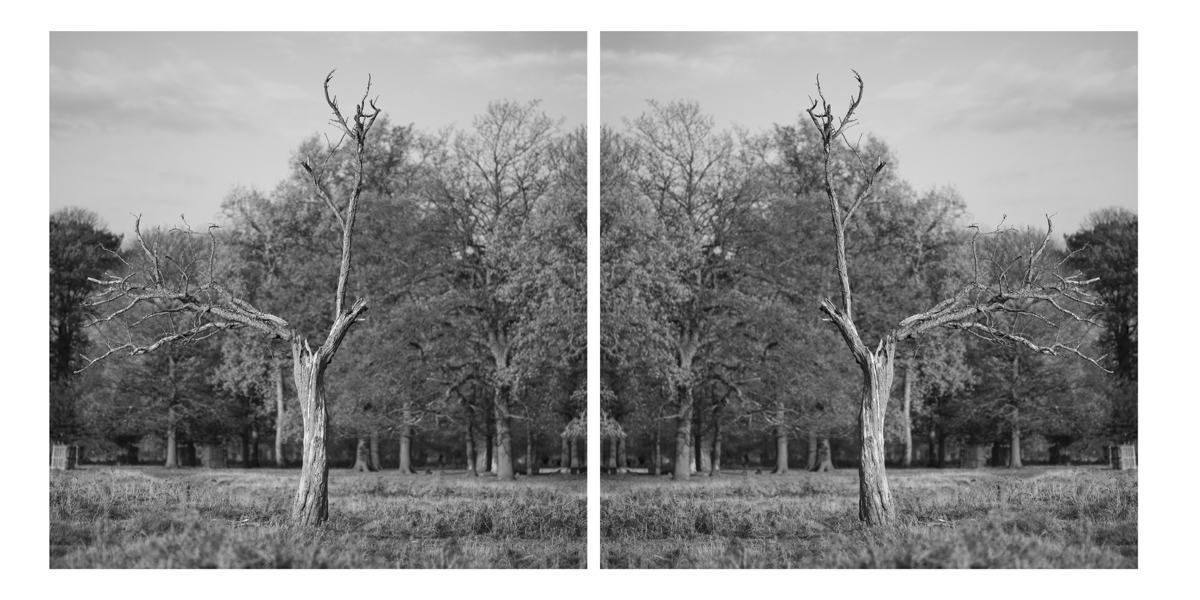
My first experiment involved a Black & White conversion of the following image.

Next, I flipped the image 180 degrees.

I then combined to two images in Adobe Photoshop.

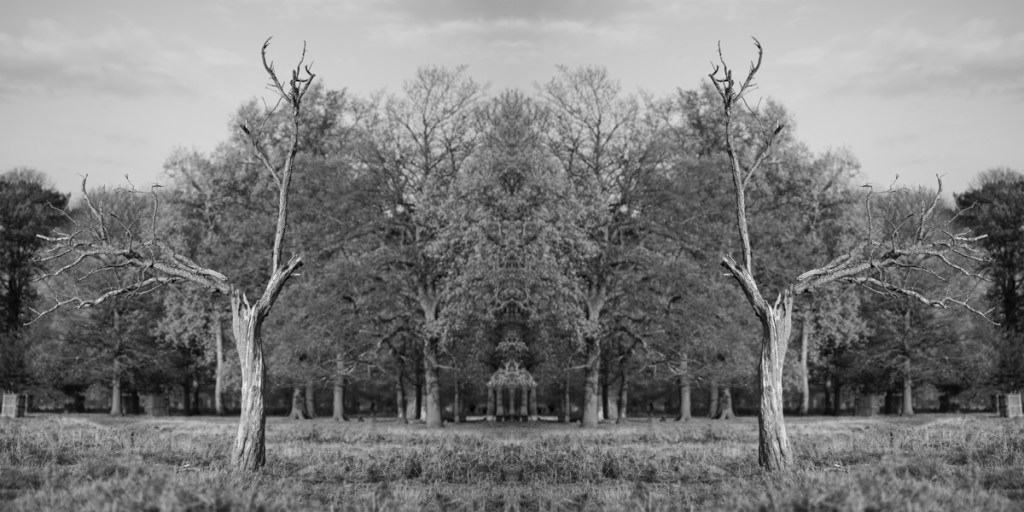
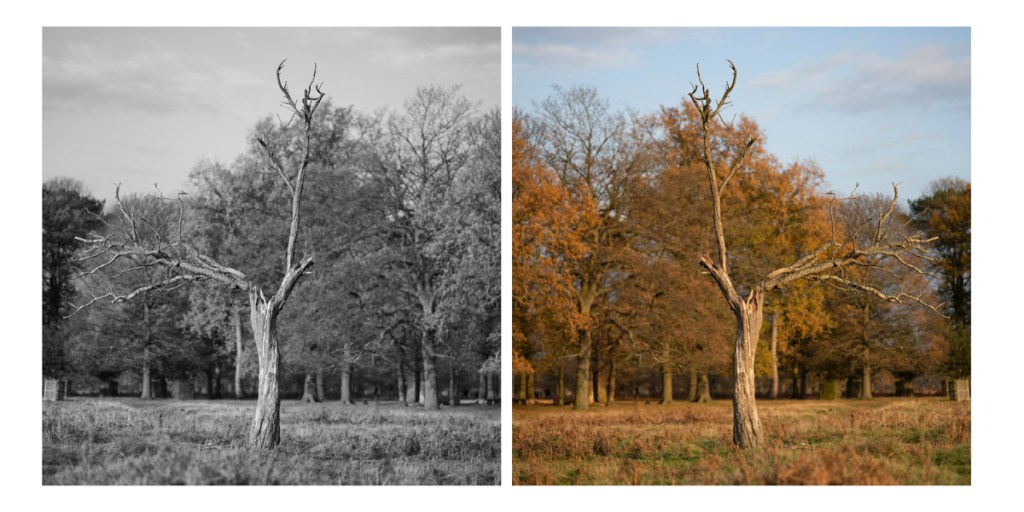
I wasn’t sure about the two images connecting. I thought the middle section may be two distracting. So I also created a version with a small between them. I also tried a third version showing one in Black & White and the other in colour.

Something was starting to evolve. Further experimentation was required. My classmate, Mark, suggested putting the two trees together. I planned to do so later that day.

References

Noel Myles | Reframing Photography. [online] Reframingphotography.com. Available at: <https://www.reframingphotography.com/resources/noel-myles&gt; [Accessed 7 December 2020].

Categories
AGM60 Research & Experimentation Posts

AGM60 Adobe Photoshop and Lightroom Classic Workshops 3 March 2020

Two further workshops as part of the MA Photography course were Adobe Photoshop and Adobe Lightroom Classic.


Adobe Photoshop Workshop

I was already quite familiar with Adobe Photoshop, having first used it back in 1998 and during my previous studies and photographic work. The programme is an essential element of digital photography. However, despite its extensive capacity for editing and manipulating images, it can be over-complicated and downright frustrating. The other main aspect of Adobe Photoshop is that there is always more than one way to get a result.

During the workshop, Simon introduced the class to a range of the programme’s functions, starting with the basics and taking us through the main functions. One of the functions that Simon outlined was ‘Curves’. This is a function I currently use in Adobe Camera Raw to create my colour digital negatives, but not in Photoshop. As I explained in the post outlining the Preparation for Digital Printing Workshop, my current workflow is to prepare and edit the images as much in Adobe Camera Raw then use Adobe Photoshop for the final touches and manipulation. It was interesting to see the effect I could achieve using the Curves in Photoshop.

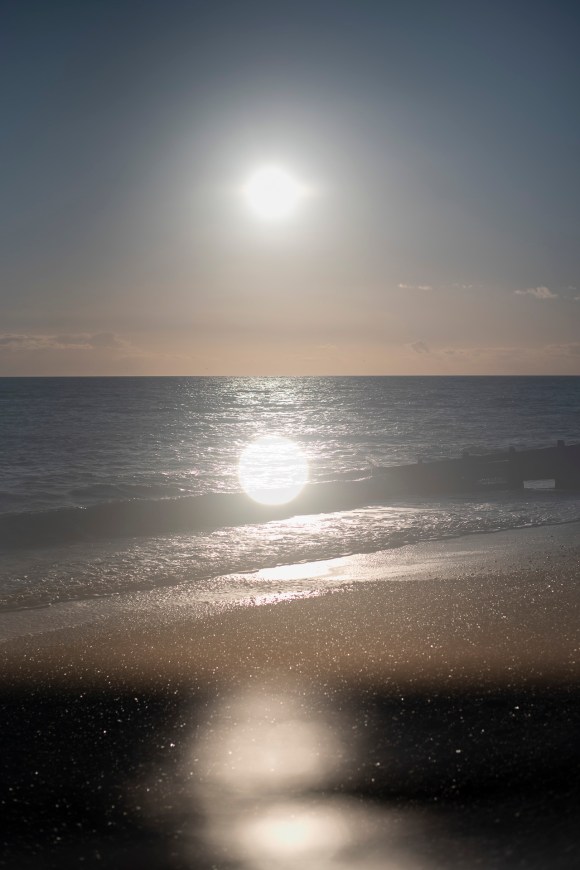
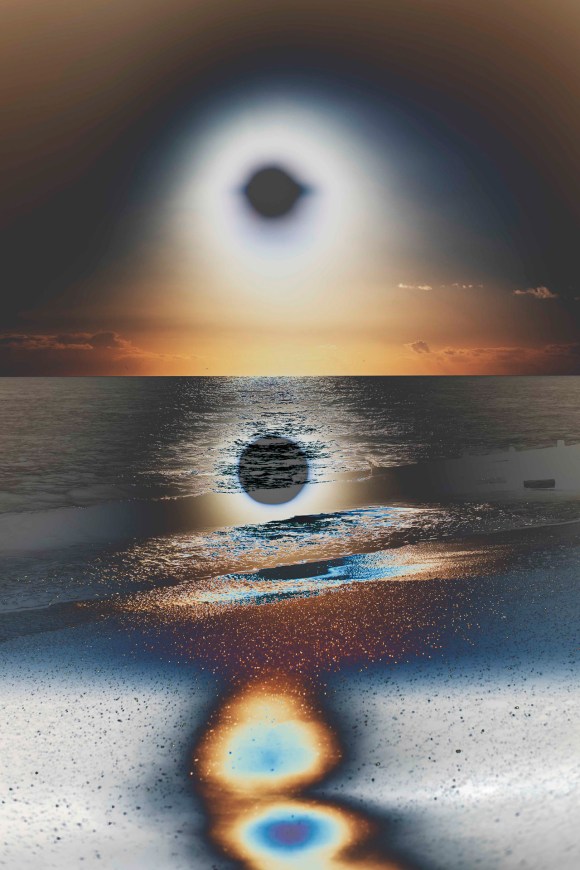
For this quick experiment, I selected one of the double exposure sunset shots. The original is on the left, the adjusted one is on the right.


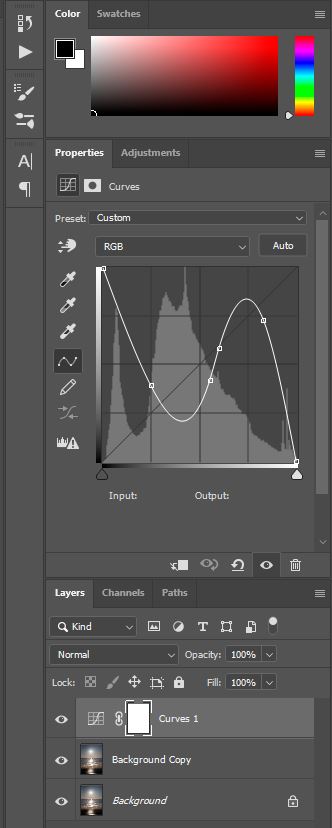
This was the setting that I used to create the solarising effect.
Photoshop_01_20-03-02_brighton007_solar

Interesting – something to keep in mind and experiment with further. As with all digital manipulation, it can be quite tempting just to add an effect because you can. As my HNC tutor, Ria, drummed into me during my course, there has to be a darn good reason for changing an image – don’t just focus on surface or aesthetics.


Adobe Lightroom Classic

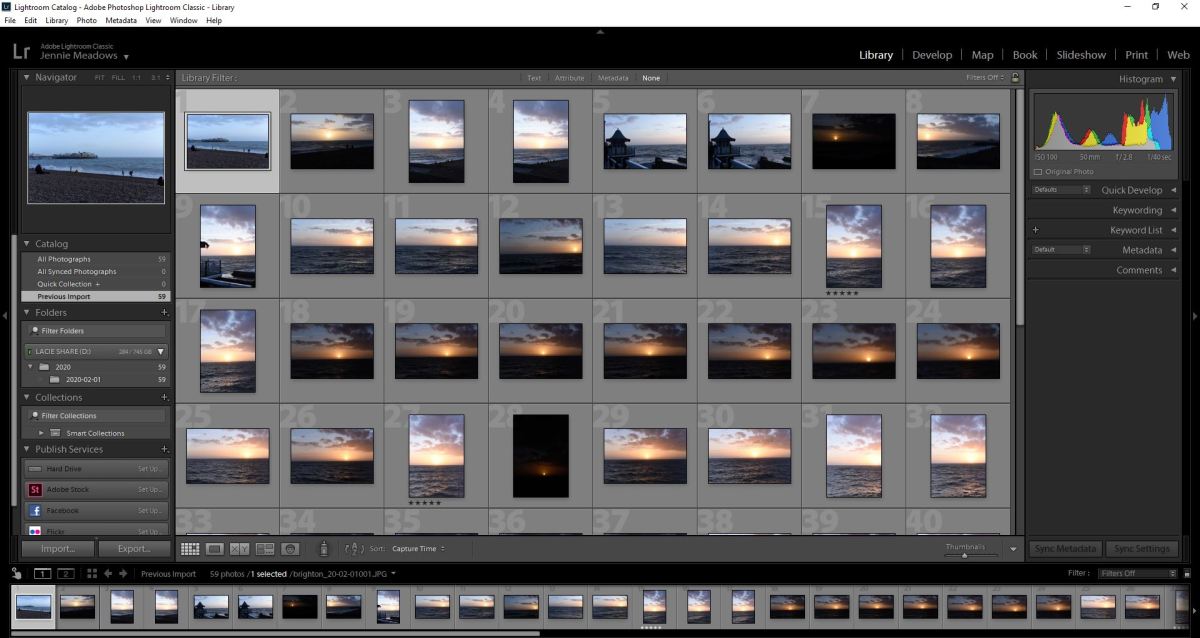
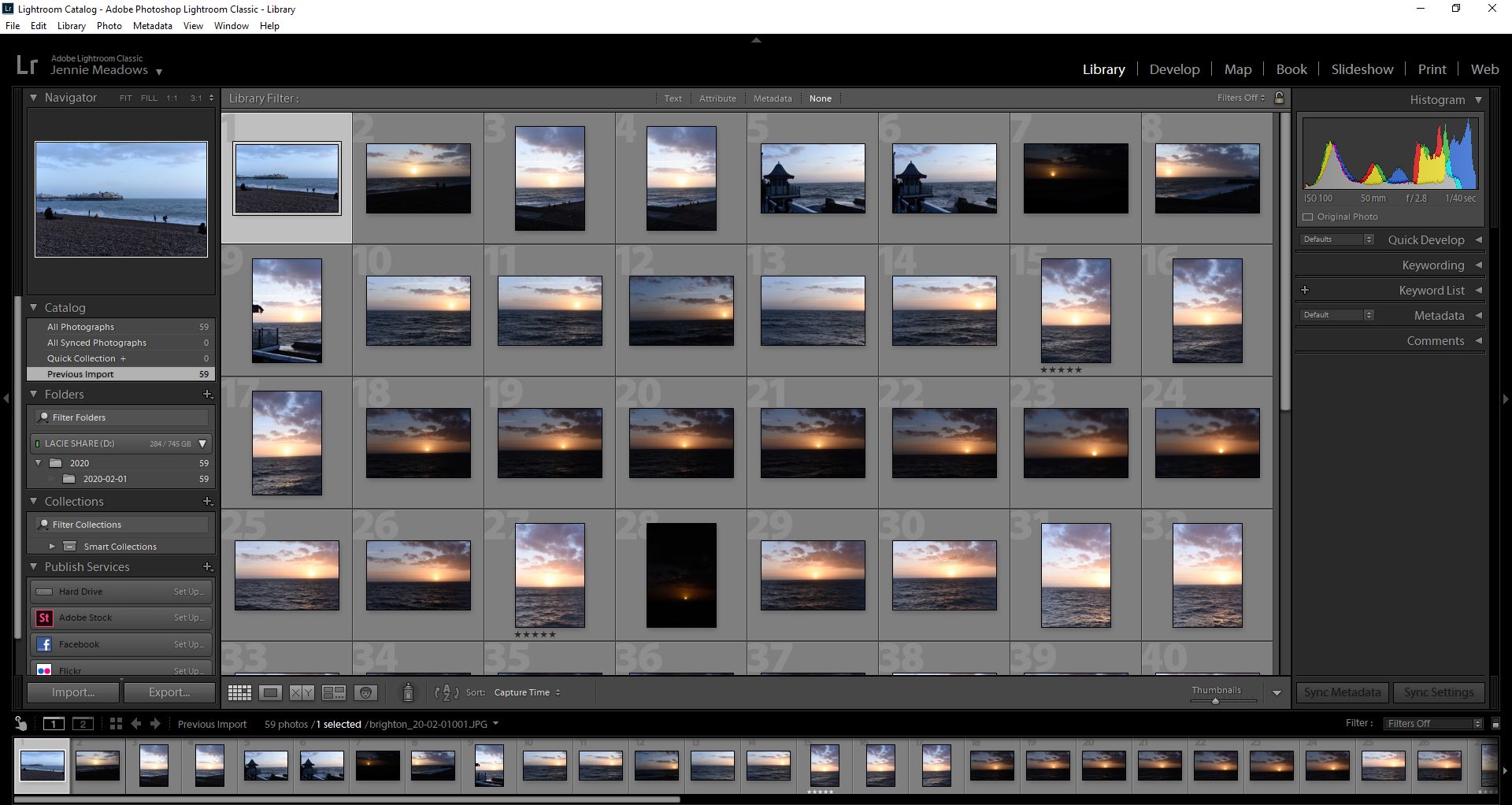
This is a programme that I am aware of and have access to, but have never used as part of my workflow. According to Adobe, it is ‘the essential tool for organizing, editing, and sharing your photography.’ Simon explained it was a mix of Adobe Camera Raw and Adobe Photoshop. He also outlined that, unlike the latter (which is a combination of functions that have just been added to and adapted over the years) Lightroom Classic was created in a logical way.
Lightroom_Brighton_20-02-01

I have to admit that the workshop was a bit of a blur for me, as this type of lesson doesn’t suit my kinesthetically learning style. I’ve also developed a workflow in processing my digital images over the last four years that I have got used to. Maybe it is time to try something new and, potentially, more effective and efficient. This will have to be addressed and assessed over the coming months.

As with all Adobe applications, there are online tutorials for both of these applications. I have found these to be very useful in the past. Now is the time to revisit them.

Design a site like this with WordPress.com
Get started