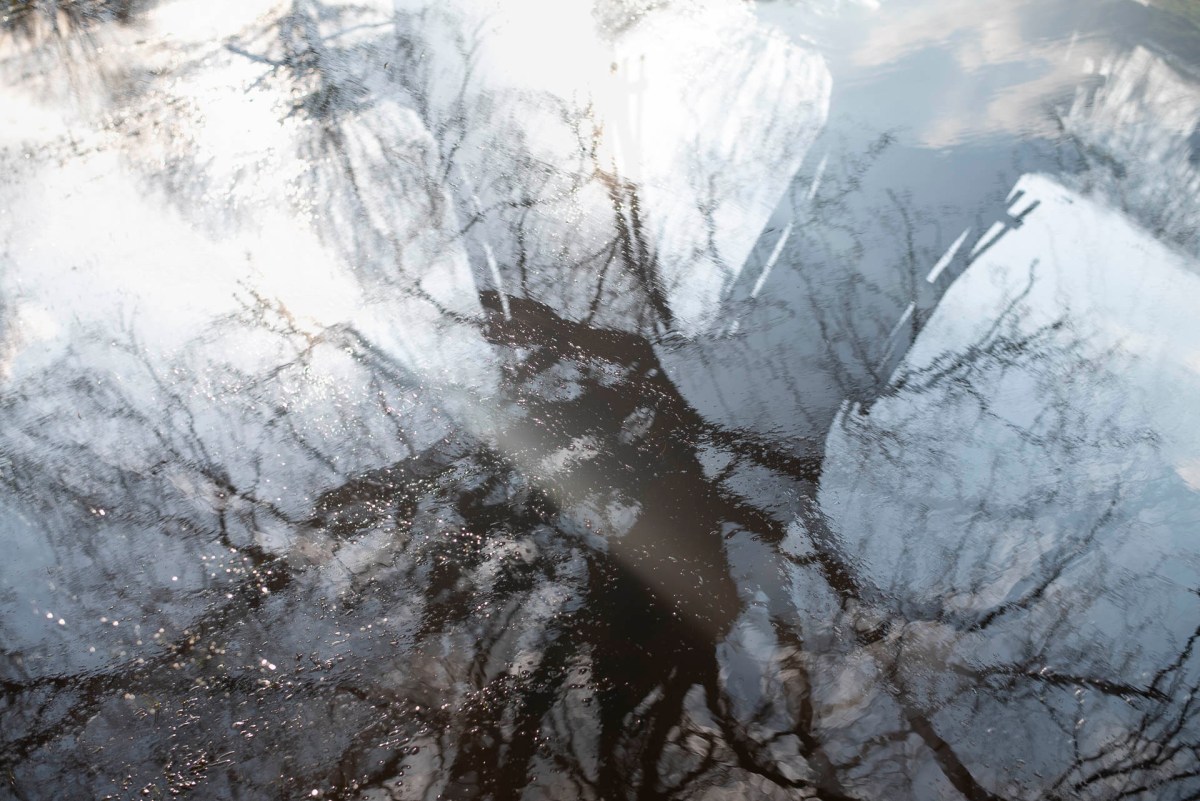
While waiting for the focus of this project to sharpen, there were two things I needed to do. First, start taking photos. Second, get refamiliarised with my DSLR camera.
21 February 2020 – Richmond Park
These images were captured during a walk from Kingston Gate to Richmond Gate, following the lower path. The last time I made this walk was at least five years ago. I used to spend a lot of time running and along this path, so it was interesting experiencing the environment at a slower pace. This enabled me to spot the following tree formation.


It seemed to resemble a pterodactyl. This reminded me of a dragon I spotted in the same park back in 2014.


This was at the very early stages of my photographic work and I was experimenting with an open-source photo editing software, Irfan View. The original image was taken with my mobile phone while out on a bike ride. The latter was inspired by the solarisation technique famously attributed to the surrealist photographer Lee Miller and a technique used extensively by Man Ray.
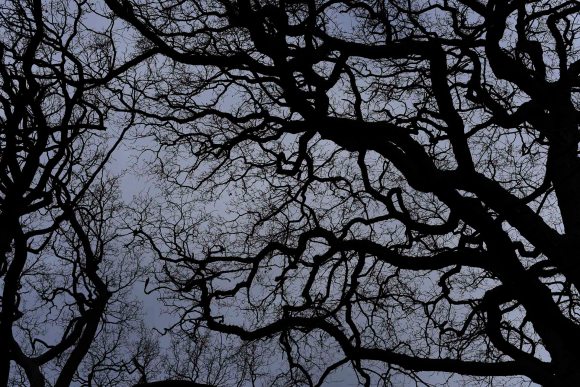
The sky in the park that day was dull pewter which gave a very haunting effect when looking up through the trees.
1 March 2020
While sitting on Brighton beach, a particular rock caught my eye.
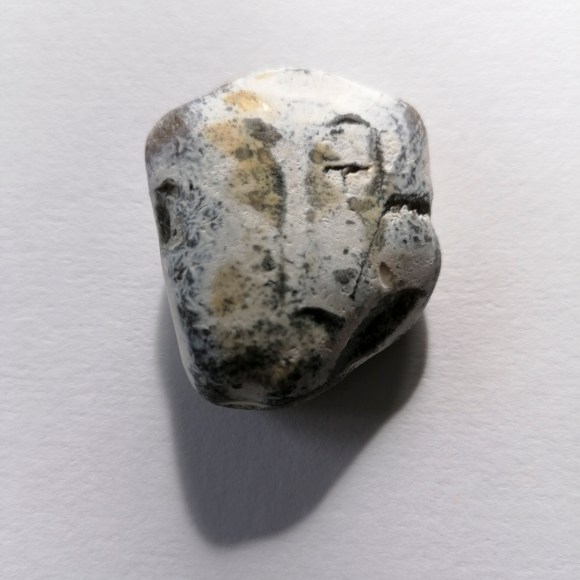
I could see various faces on the rock’s surface depending on the part on which part I focused. Interestingly, when I posted the image on Instagram, a comment was made by Paul Kenny (a photographer whose work I greatly admire): Modigliani.
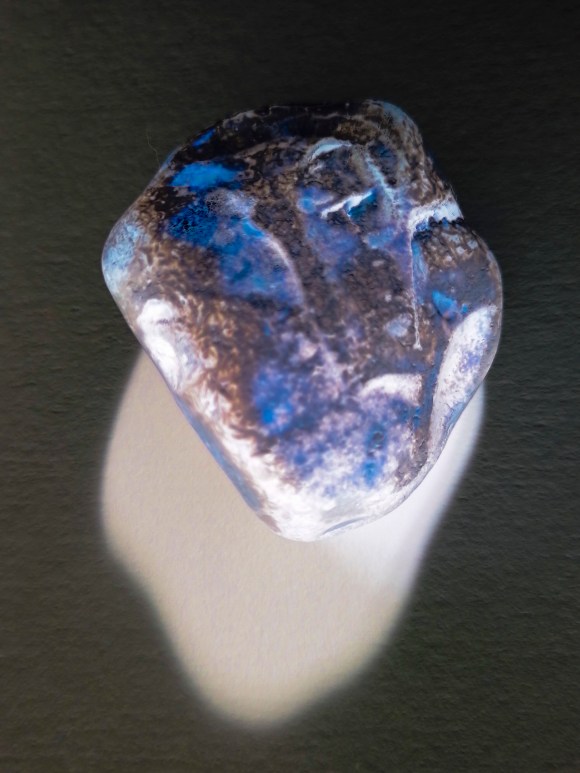
I also carried out a quick experiment using my colour negative technique.
1 March 2020 – Cuckmere Haven & East Dean Village
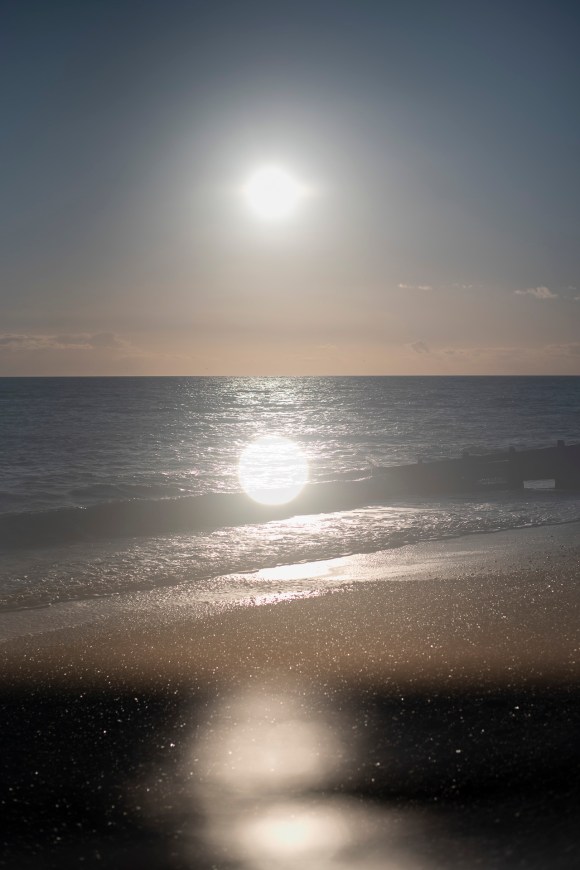
On a beautiful sunny, and very windy, afternoon, I visited Cuckmere Haven with my partner. This is one of my favourite spots near to Brighton and I have been there many times. The sunlight was quite harsh and there were lots of specular highlights on the waves. I knew that if I did take any photos, even with a polarising filter, the images wouldn’t be anything special. This is when I remembered the multiple exposure function on my Nikon D750. I had recently read a feature on the subject, so it seemed a good time to experiment. My previous work involving this technique was carried out using Adobe Photoshop, not with the camera on location.
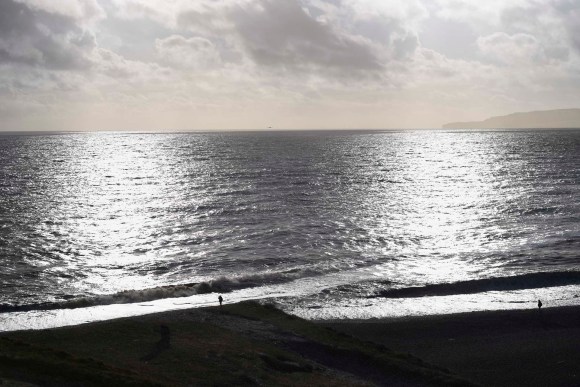
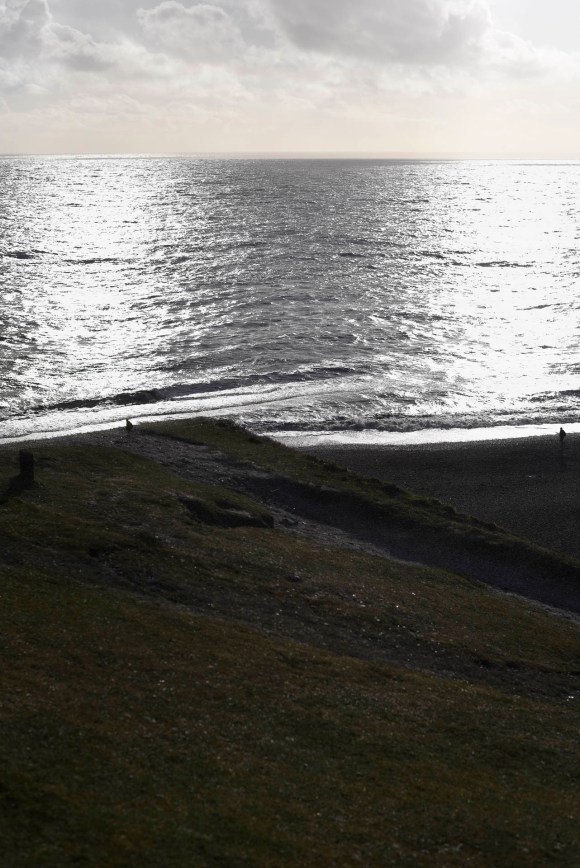
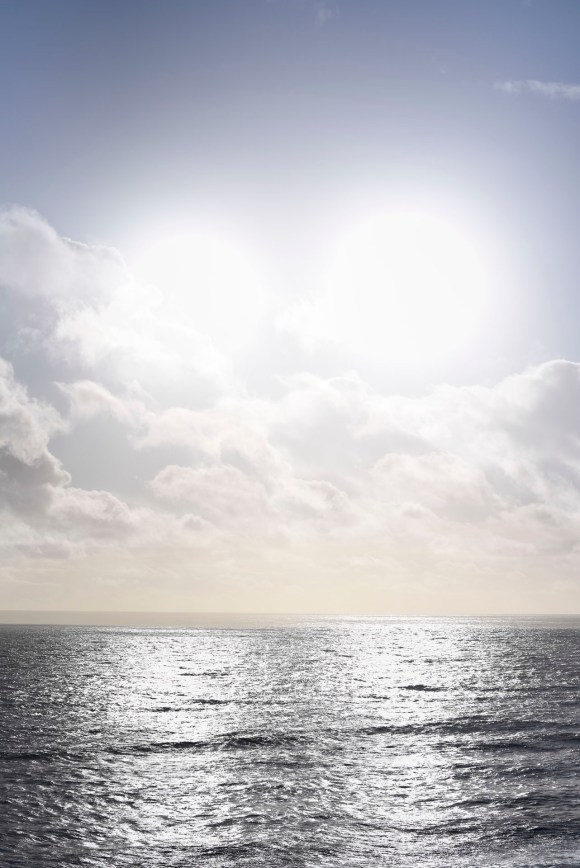
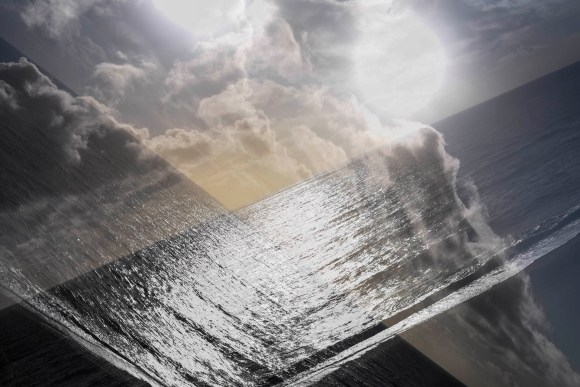
After a walk along the cliffs, we made our way to the village of East Dean. While sitting outside the Tiger Inn enjoying a well-earned drink, I spotted this on the wall outside.
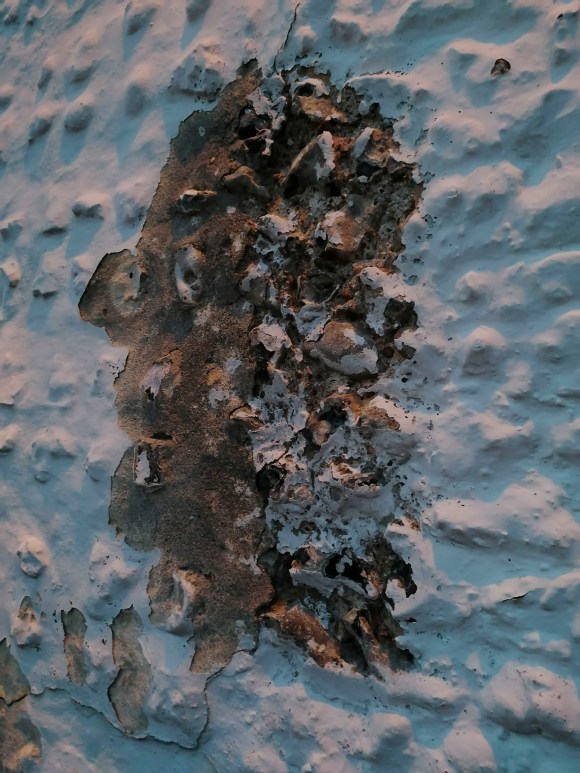
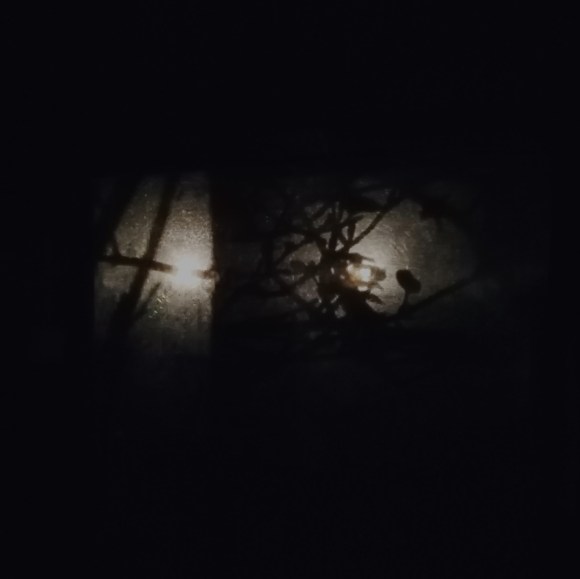
This reminded me of a profile of an 18th-Century man resplendent in a wig from that time. While waiting for the bus, I noticed the light coming through the window in the shelter nearby.
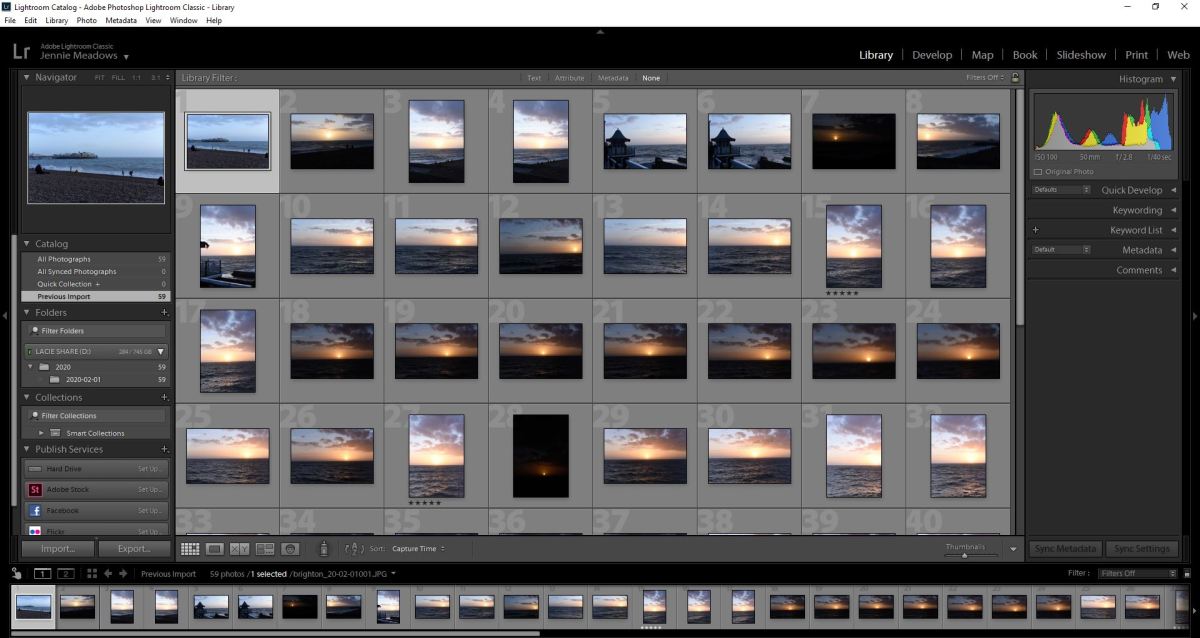
2 March 2020 – Brighton Beach Double Exposure
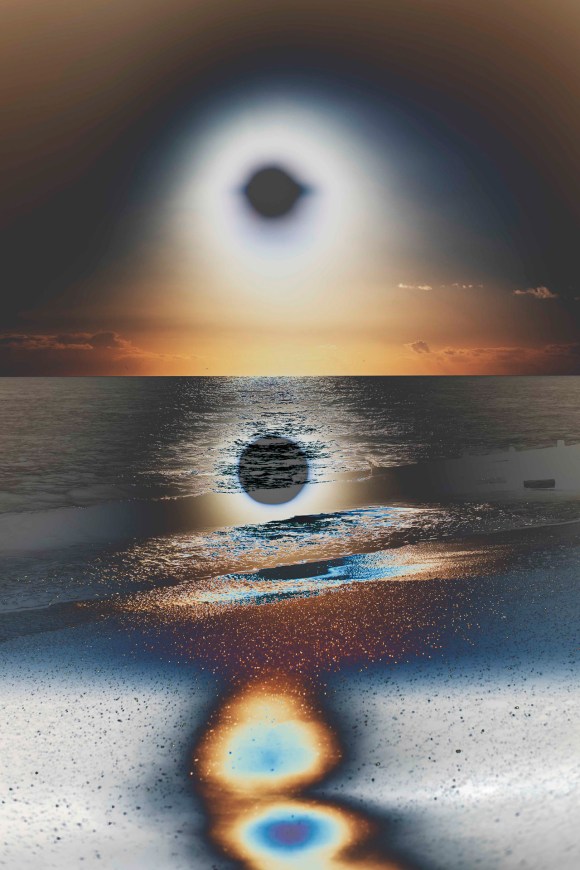
Inspired by my trip to Cuckmere, I continued experimenting with the double-exposure function.
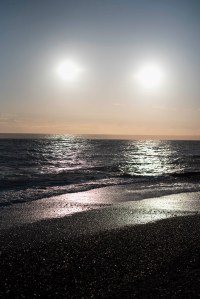
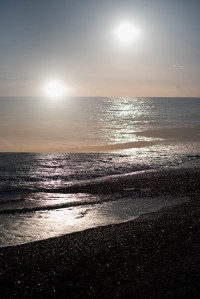
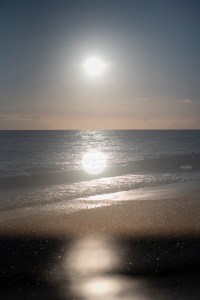


3 March 2020 – Brighton Beach Double Exposure
The light wasn’t as good as the previous evening but it was still worth capturing these shots.


Bushy Park Friday 6th March
After a morning visiting the British Surrealism exhibition at Dulwich Picture Gallery, I was again inspired to go to Bushy Park to see what I could find.
The recent rain had made a particular area extremely water-logged, so I was able to capture this image with my mobile phone.
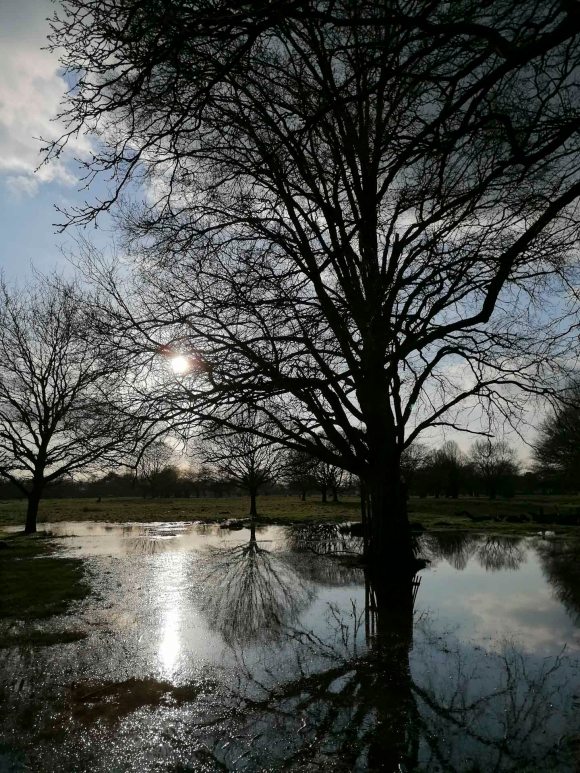
It gave this image a very dreamy and surreal feeling. I also took the following double exposures using my DSLR camera.


The project was off the starting blocks.

 Jennie Meadows MA Photography