Two further workshops as part of the MA Photography course were Adobe Photoshop and Adobe Lightroom Classic.
Adobe Photoshop Workshop
I was already quite familiar with Adobe Photoshop, having first used it back in 1998 and during my previous studies and photographic work. The programme is an essential element of digital photography. However, despite its extensive capacity for editing and manipulating images, it can be over-complicated and downright frustrating. The other main aspect of Adobe Photoshop is that there is always more than one way to get a result.
During the workshop, Simon introduced the class to a range of the programme’s functions, starting with the basics and taking us through the main functions. One of the functions that Simon outlined was ‘Curves’. This is a function I currently use in Adobe Camera Raw to create my colour digital negatives, but not in Photoshop. As I explained in the post outlining the Preparation for Digital Printing Workshop, my current workflow is to prepare and edit the images as much in Adobe Camera Raw then use Adobe Photoshop for the final touches and manipulation. It was interesting to see the effect I could achieve using the Curves in Photoshop.
For this quick experiment, I selected one of the double exposure sunset shots. The original is on the left, the adjusted one is on the right.
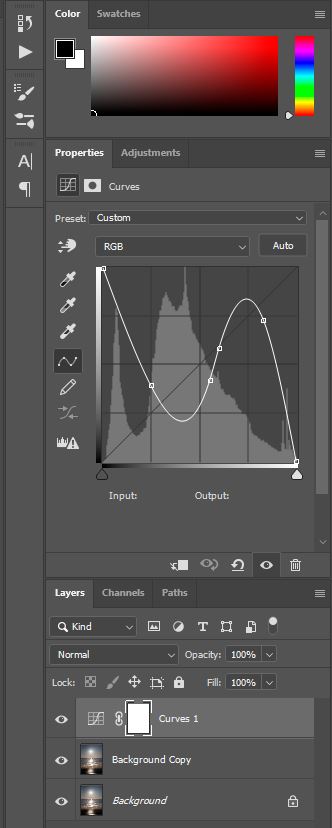
This was the setting that I used to create the solarising effect.
Interesting – something to keep in mind and experiment with further. As with all digital manipulation, it can be quite tempting just to add an effect because you can. As my HNC tutor, Ria, drummed into me during my course, there has to be a darn good reason for changing an image – don’t just focus on surface or aesthetics.
Adobe Lightroom Classic
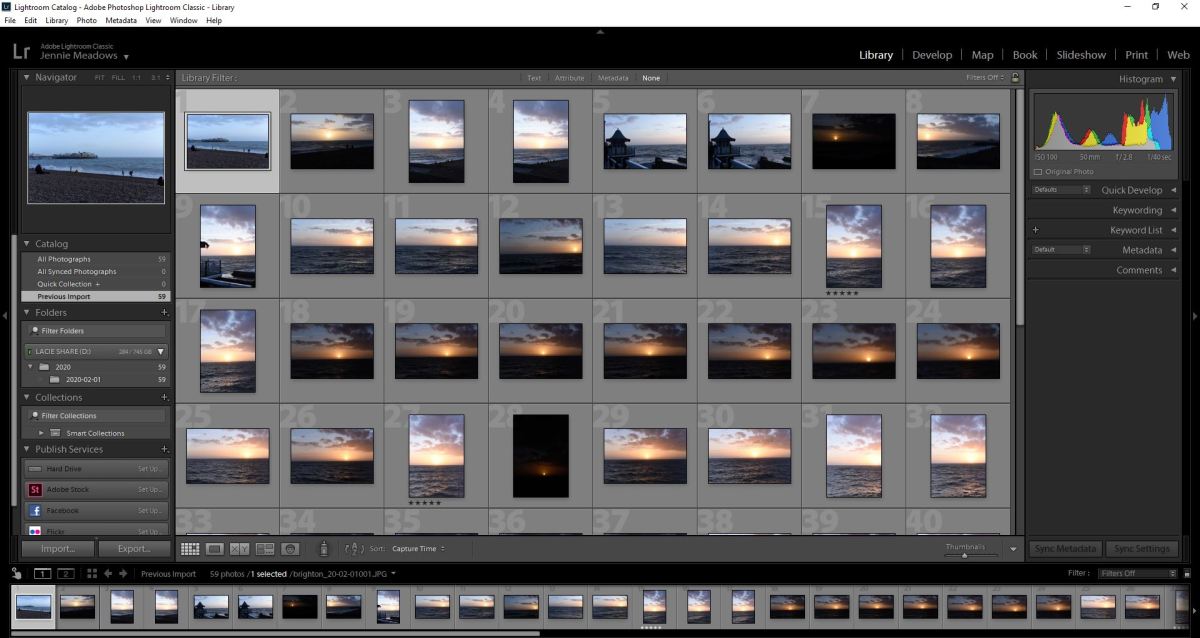
This is a programme that I am aware of and have access to, but have never used as part of my workflow. According to Adobe, it is ‘the essential tool for organizing, editing, and sharing your photography.’ Simon explained it was a mix of Adobe Camera Raw and Adobe Photoshop. He also outlined that, unlike the latter (which is a combination of functions that have just been added to and adapted over the years) Lightroom Classic was created in a logical way.
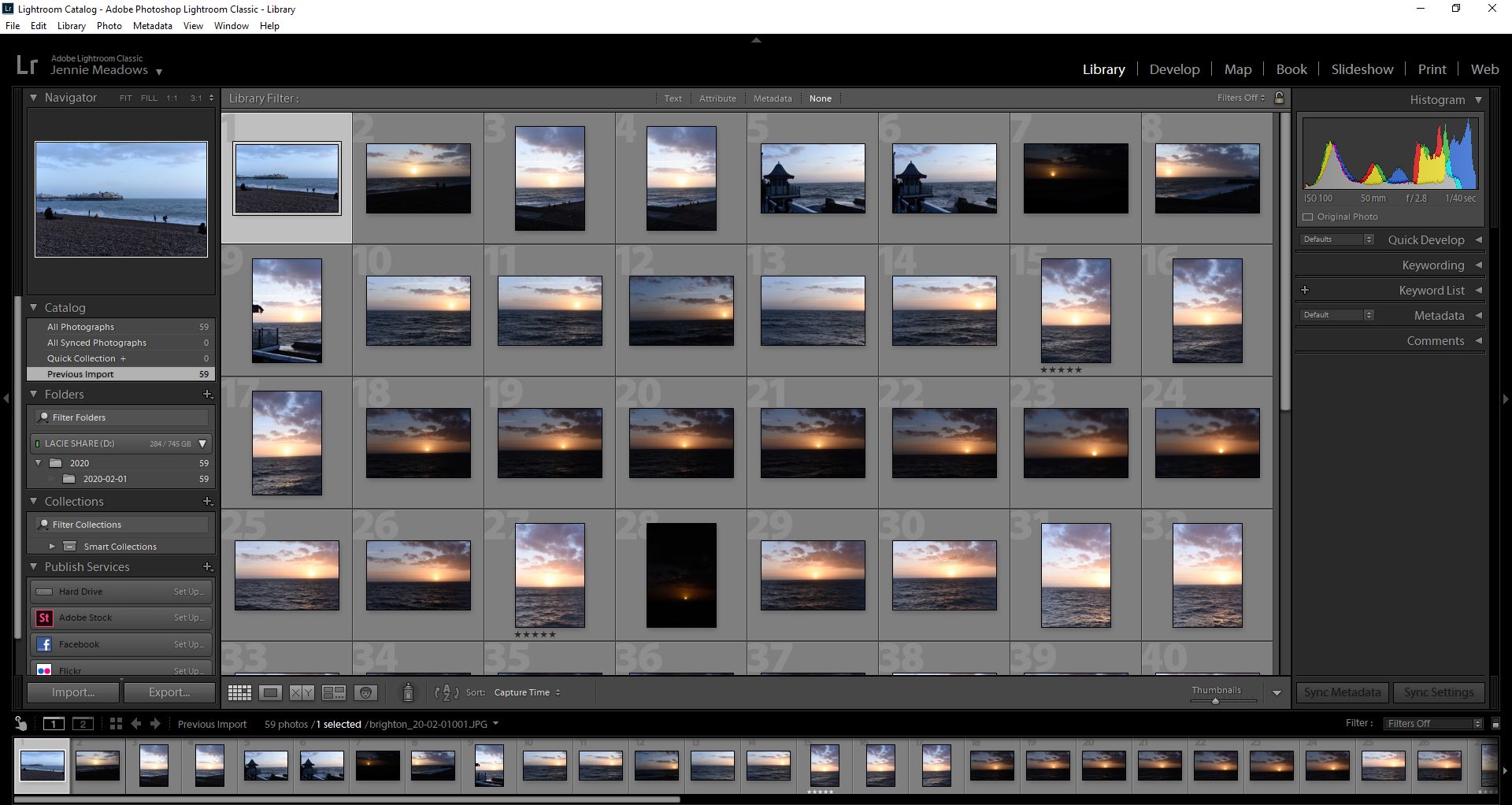
I have to admit that the workshop was a bit of a blur for me, as this type of lesson doesn’t suit my kinesthetically learning style. I’ve also developed a workflow in processing my digital images over the last four years that I have got used to. Maybe it is time to try something new and, potentially, more effective and efficient. This will have to be addressed and assessed over the coming months.
As with all Adobe applications, there are online tutorials for both of these applications. I have found these to be very useful in the past. Now is the time to revisit them.






 Jennie Meadows MA Photography