One of the facilities within the Photography department is the Print Bureau. This on-site amenity means that students have access to digital printers and are able to process images without outsourcing. An introduction to these facilities and other aspects of digital printing was covered by Simon, one of the Photography department’s technicians.
The first thing that Simon explained to the class was scanning negatives. The department has two types of scanners that all of the photography students can use. I have to admit that it wouldn’t be something that I would use considering my work is entirely digital and I don’t use or have any film negatives. However, it is a facility that a lot of the students working in analogue who need to digitise negatives or slides would find useful.
Simon then went through the process of preparing a digital file for printing. This was familiar territory to me as this is something I’ve worked on over the last four years, so it was a great opportunity to refine my printing knowledge further.
The first aspect was checking the colour settings in the applications used. Simon recommended changing these to ‘Europe Prepress 3’, which would ensure that the printing colour profile would match the industry setting. In turn, this makes sure the prints result in being the same colour as intended. The applications to which this applies when printing digital photos are Adobe Bridge and Photoshop.
The other aspect was not to change the colour settings of the monitors in the Photography department. This large bank of screens had all been checked with a colorimeter. This is a monitor calibration tool that fits on the screen then fires a selection of colours at it. This results in any discrepancies being detected and the computer programmed to compensate for any of the monitor’s colour inaccuracy.
One issue I have encountered when printing is the difference between what is seen on screen and on the final printed sheet. This tool removes that difference, which in turn saves a lot of time, stress and money. At the time of writing, it was something I knew I had to add to my equipment list. I spend a lot of time editing and working on images at home. If I want to improve my skills, perform in a more professional way and raise the quality of my images, this is essential.
I’m not an expert in choosing this type of kit, but I found the information on this link very useful. https://www.digitalcameraworld.com/buying-guides/best-monitor-calibrators
Simon continued explaining colour printing principles to the class, including colour theory, dpi considerations and setting up files for printing in Adobe Photoshop. This is different from my particular workflow as I generally prepare my digital files initially in Adobe Camera Raw. It was useful to see it from a different perspective. Simon also explained that it is best to save a file as a TIF to send to the printers. This is something that I do for my final prints, regardless of whether it is a Camera Raw-processed file or a Photoshop one.
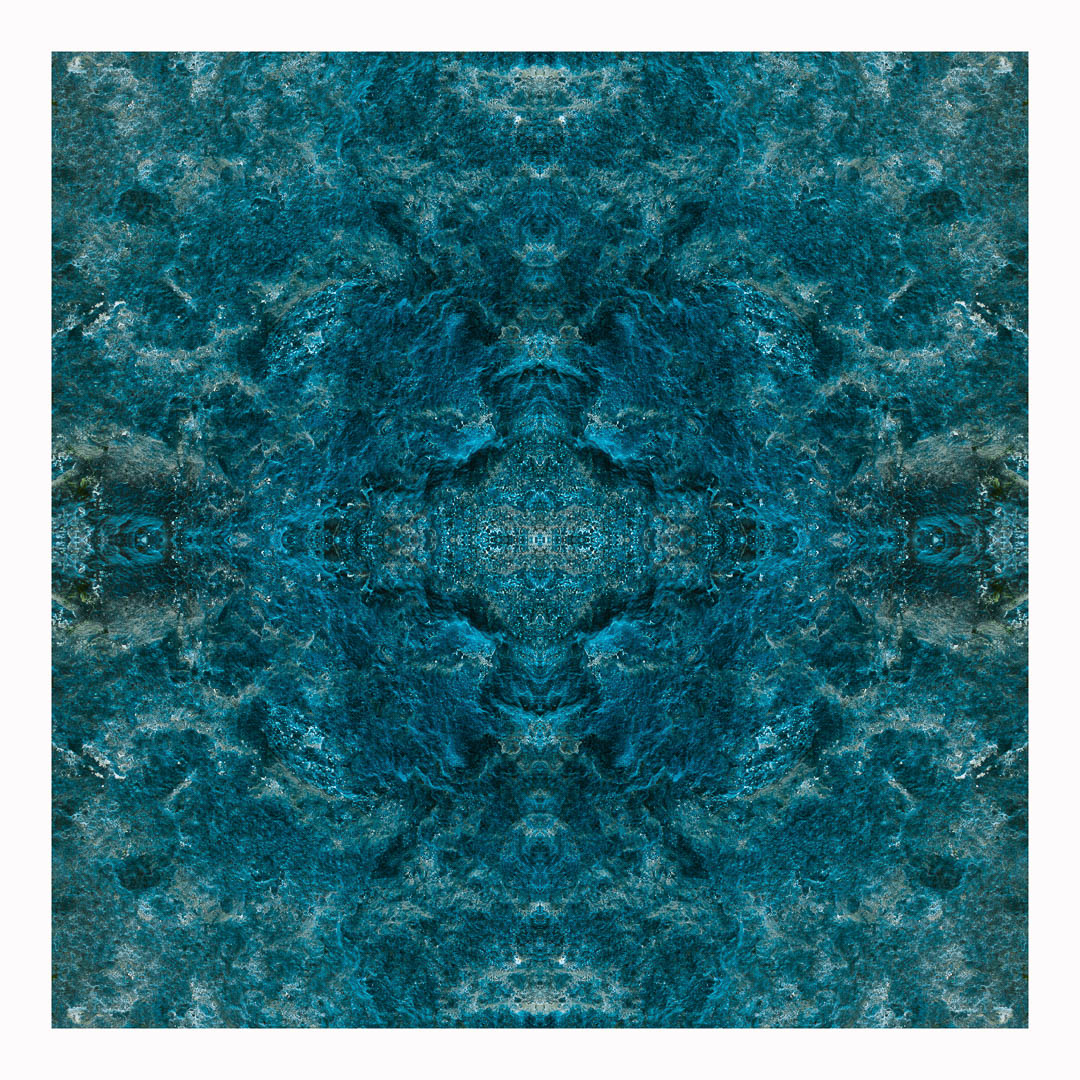
After preparing a file for printing, I had the opportunity to print one of my images using the bureau. The image I chose was this one. The reason being, it that I have previously printed the same one using both c-type gloss and pearl papers. I wanted to see how it looked digitally printed using Paper Rag, a fine-art printing paper.
This is the original digital image.

As the image was being printed on A4 and the original is 10″ x 10″, I had to change the size of the image. A4 is 8.27″ x 11.69″ so it had to be smaller than this and allow for a border. I will need to double-check which other sizes are available when preparing prints. I’m used to printing with set sizes on a 2:3 ratio in inches. This is because I tend to shoot with my camera’s sensor setting size, which is 4016 x 6016 pixels.
I was very pleased with the result.


The paper really suited the image and I would be more than happy framing this. Also, the cost of the print £3.50, which is reasonable compared to the pricing of other print bureaus I regularly use. As for turnaround, the general time for these prints is 72 hours. This is the maximum time and will be less during quieter periods.
The additional option available is to print on acetate sheets. This means I could create my own negatives digitally, which could then be processed in the darkroom. I could also use them in a process such as cyanotype, a method I have carried out previously:
With a refresher on printing plus the introduction to the university’s printing facilities, it reminded me how much I do know about the whole process in relation to digital photography. After my slight frustration with my gaps of knowledge in regards to analogue, my confidence in my abilities returned.
 Jennie Meadows MA Photography